Install Forge Bible Bot
Tap Share ⎙ then "Add to Home Screen" in Safari
Forge Bible Bot
Coming soon to Twitch
The Twitch extension for Forge Bible Bot. Your viewers can play Bible trivia and the Word Game right on your channel page, and with Forge One, see their own points and collections, give points and challenge each other to Bible trivia duels.
Free for every Forge Bible Bot channel.
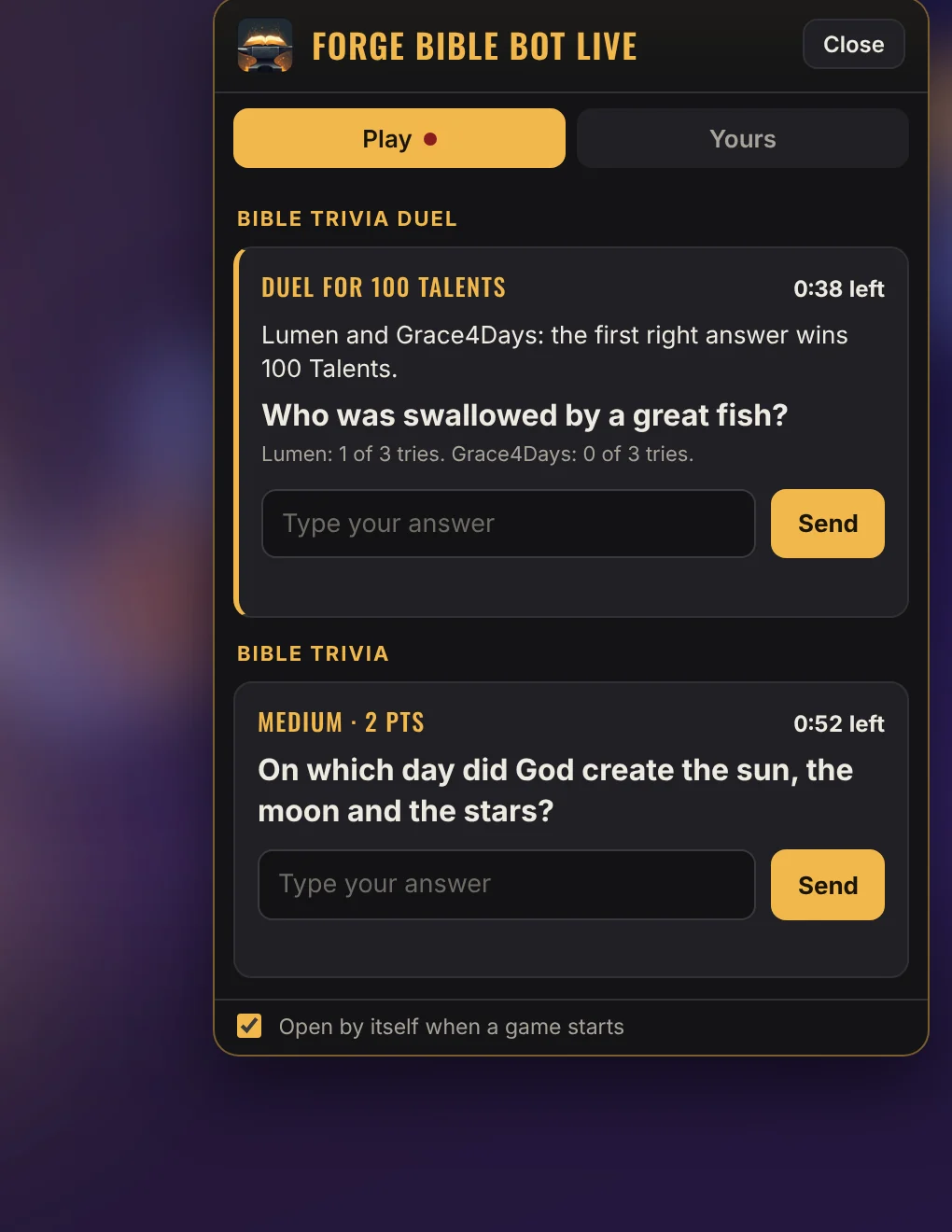
Play
Trivia and the Word Game open right in the extension while they run. Answers count exactly as if they were typed in chat.
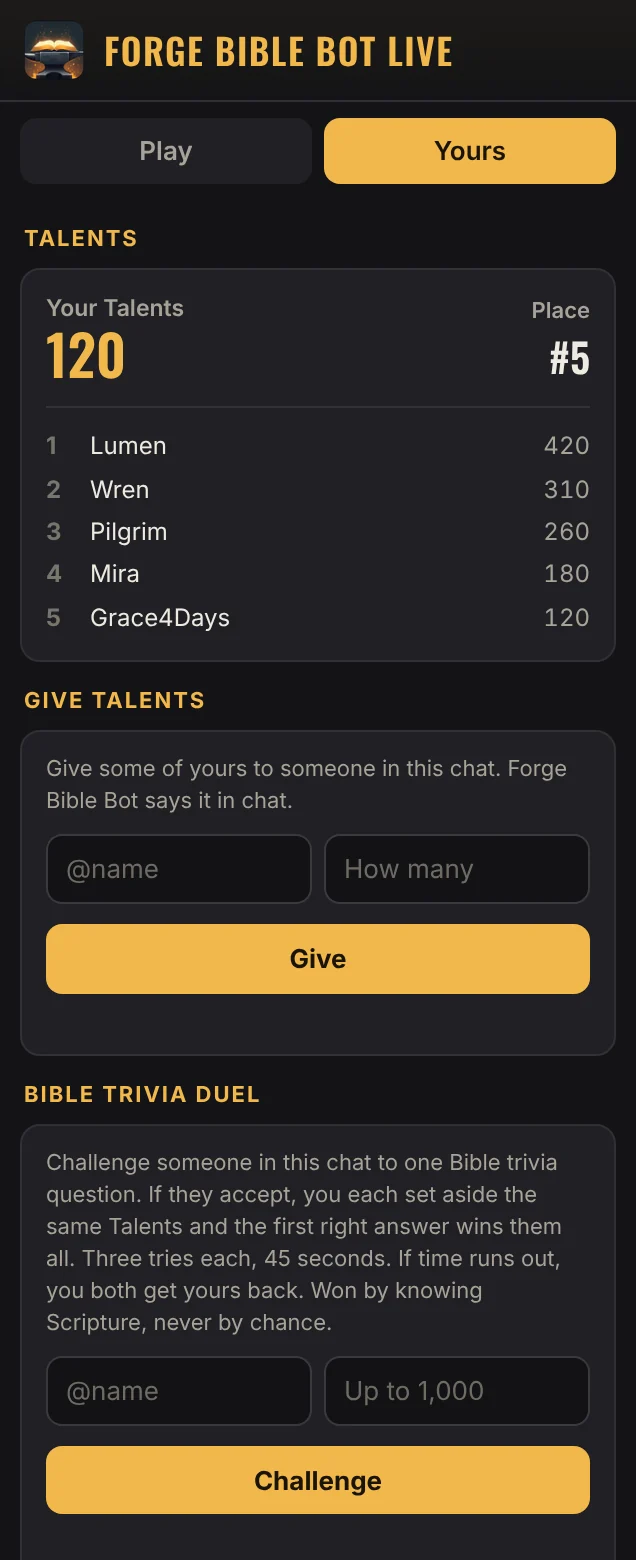
Yours
With Forge One, a channel can give every viewer a tab of their own.
Below your stream, always there, live or not.
A box on the side of the video while you are live.
A small button on the video that opens everything, and opens by itself when a game starts.
Viewers on Twitch's mobile app see it too.
Forge Bible Bot Live is waiting on Twitch's review. Once Twitch approves it, add it from Twitch's extensions in your Creator Dashboard, open its configuration page once, and choose a panel, a video component or an overlay. It shows what Forge Bible Bot already does on your channel, so there is nothing else to set up.
To answer trivia, play the Word Game or see their own corner, Twitch asks the viewer to share their Twitch name with the extension, and they can stop sharing at any time. The details are in our Privacy Policy (section 5.11).
The extension works with Forge Bible Bot, which is free and takes about a minute to set up.